
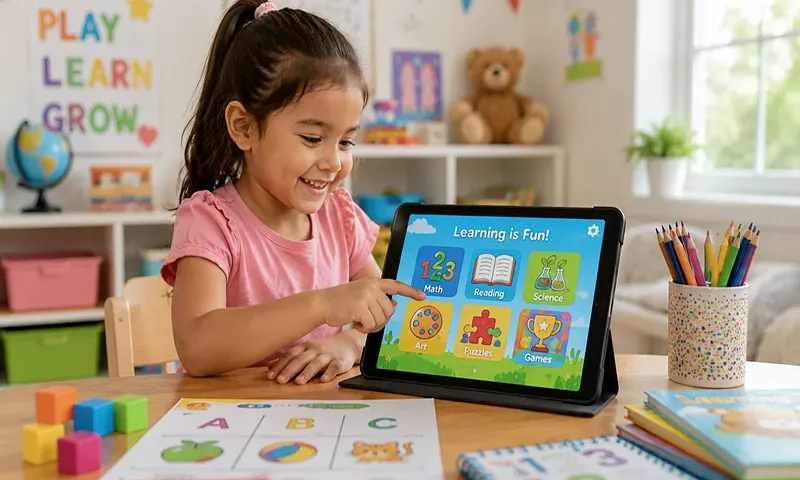
In an era of hyper-connectivity, the irony of modern parenting is that we often need digital tools to disconnect. Whether you are heading out on a long-haul flight, embarking on a cross-country road trip, or simply trying to manage screen time in a data-conscious household, the ability to rely on offline educational content is a game-changer.
Offline games aren’t just a “pacifier” for the car—they are a fantastic way to offer your child focused, ad-free, and interruption-free learning. Without the pings, pop-up ads, or the need for a stable Wi-Fi connection, children can engage in deeper, more meaningful play.
Why Choose Offline-First Educational Apps?
- Zero Distractions: No unexpected advertisements or external links that can lead to accidental clicks.
- Reliable Performance: Whether you are in the air or out in nature, these apps remain functional, ensuring your child has access to familiar, comforting educational activities.
- Focused Cognitive Development: By removing the “infinite scroll” of online content, children are encouraged to engage with a single task or game at their own pace, fostering better focus and problem-solving skills.
Top Picks for Offline Learning
1. Khan Academy Kids (Ages 2–8)
Perhaps the “gold standard” for free, high-quality learning, Khan Academy Kids is entirely free, with no ads and no subscriptions.
- Educational Focus: Literacy, numeracy, logic, and social-emotional development.
- Offline Functionality: Through a dedicated section called “Kodi’s Suitcase” found in the library, kids can download specific books, tracing activities, and logic games to use anywhere.
- Why It Works: It is standards-aligned and beautifully animated, providing a comprehensive curriculum that feels like a game.
2. Teach Your Monster (Ages 3–6)
While the desktop version is free, the app is often a paid download, but it frequently offers educational value that makes it a worthwhile investment for reading fluency.
- Educational Focus: Phonics, reading, and letter sounds.
- Offline Functionality: Once you log in and initialize the game on your device, the bulk of the content can be played without a connection. It’s perfect for maintaining steady reading practice on the go.
- Why It Works: It turns the often-tedious task of phonics learning into a magical adventure. Kids create a monster and travel across islands, meeting characters and playing mini-games that reinforce reading skills.
3. Breathe, Think, Do with Sesame (Ages 2–5)
This is an essential social-emotional tool. It doesn’t teach math or reading, but it teaches something arguably more important: resilience.
- Educational Focus: Problem-solving, identifying feelings, and calming strategies.
- Offline Functionality: Once fully downloaded, this app is excellent for offline play. It features interactive scenarios where children help a Sesame Street monster friend manage frustration.
- Why It Works: It’s a gentle, research-based tool that gives kids a script for “big feelings.” When your child is overwhelmed in the backseat of a car, this app provides a structured way to practice deep breathing and “thinking of a plan.”
4. Sago Mini World (Ages 2–6)
While Sago Mini World is a subscription-based service, it is famous for its high-quality, open-ended play.
- Educational Focus: Creativity, self-expression, and curiosity.
- Offline Functionality: The app allows you to download hundreds of activities. Once they are on your device, your child can play them without a Wi-Fi connection.
- Why It Works: It’s the digital equivalent of a high-end toy box. There are no timers and no rules; children are free to explore, build, and role-play in a safe, ad-free environment.
Digital Literacy and Mindful Balance
Even the best offline game should be used as a tool rather than a digital babysitter. Here are a few tips to ensure your child gets the most out of these resources:
- Co-Play Whenever Possible: Even if the app is offline, the experience is better when shared. Ask your child, “What color should we paint the monster?” or “What do you think will happen if we tap that button?”
- Use as a Bridge, Not a Barrier: If you are traveling, use these games as a bridge between other activities—such as looking out the window or reading a physical book—rather than relying on them for the entire journey.
- Pre-Check Downloads: Always remember to “prime” your device. Before you leave the house, ensure that you have opened the apps and confirmed that the specific games or books your child wants are downloaded and ready to go.
By treating these apps as curated, high-quality learning environments, you can transform “screen time” from a mindless habit into a rewarding, educational, and genuinely fun adventure, no matter where your day takes you.

